Analyze more than one game a day.
Bring in your Chess.com or Lichess PGNs and review them with move badges, eval swings, accuracy, captured pieces, and saved game history.
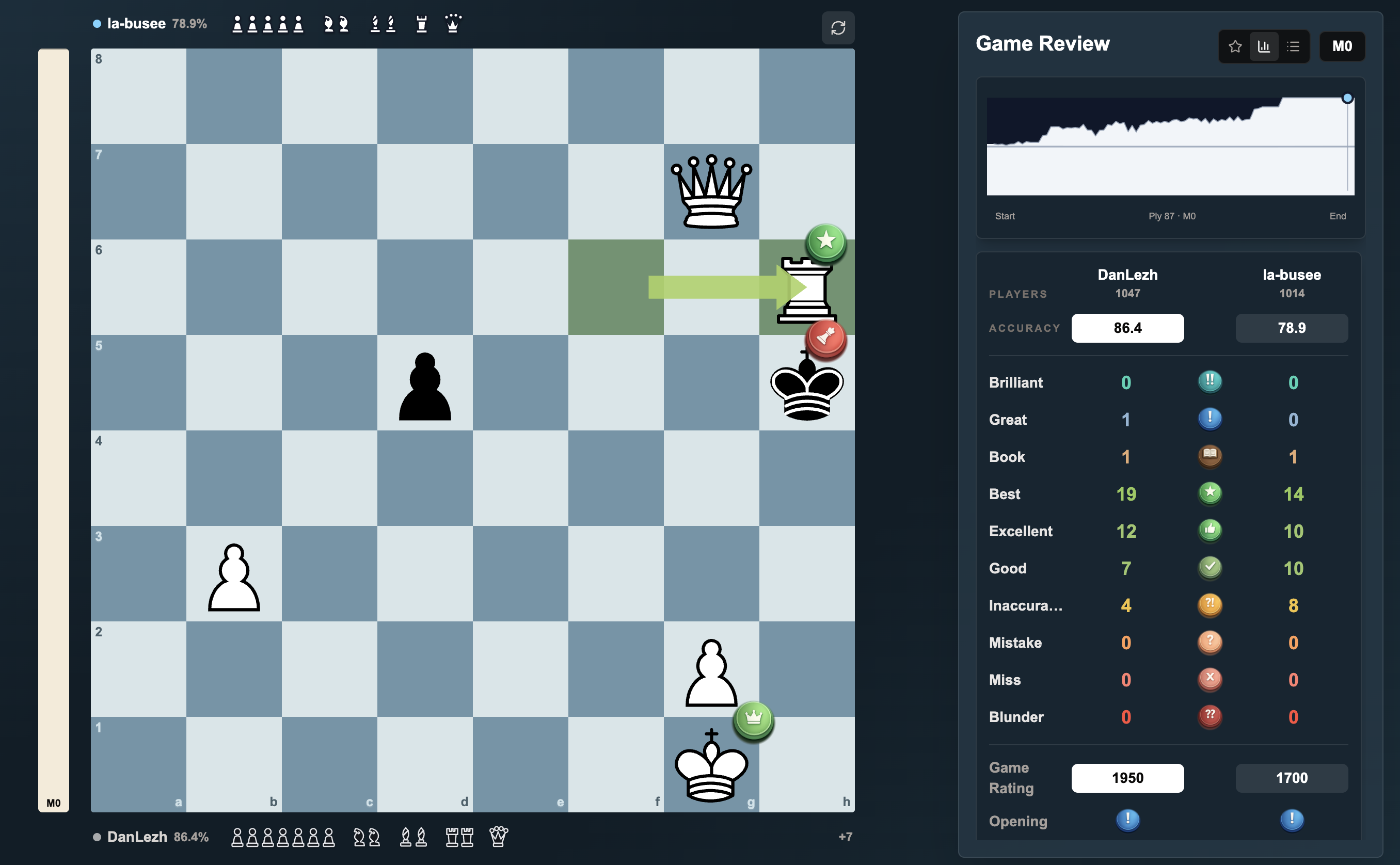
Game review should not stop after one game.
On sites like Chess.com, full analysis can run into daily limits or paid plans. That is frustrating when you are playing multiple games and actually trying to learn from them.
Daily review limits
Some chess sites give you one full review, then push the rest behind a paid plan.
Games get scattered
You play in one place, copy a PGN somewhere else, and lose track of what you wanted to study.
Hard to spot the lesson
A raw eval number is not enough. You need the move, board, badges, and swing all together.
Built for reviewing your own games.
The app keeps the full review readable instead of turning your game into disconnected numbers.
Move badges
See best moves, mistakes, blunders, book moves, and the moments that changed the game.
Synced review
The board, eval graph, move list, captured pieces, and summary stay tied to the same position.
Your game library
Keep uploaded games in My Games and use Public Games when you want extra review examples.
From online game to full review.
Copy the PGN, add it to My Games, then study the full review with the board and stats moving together.
Copy your PGN
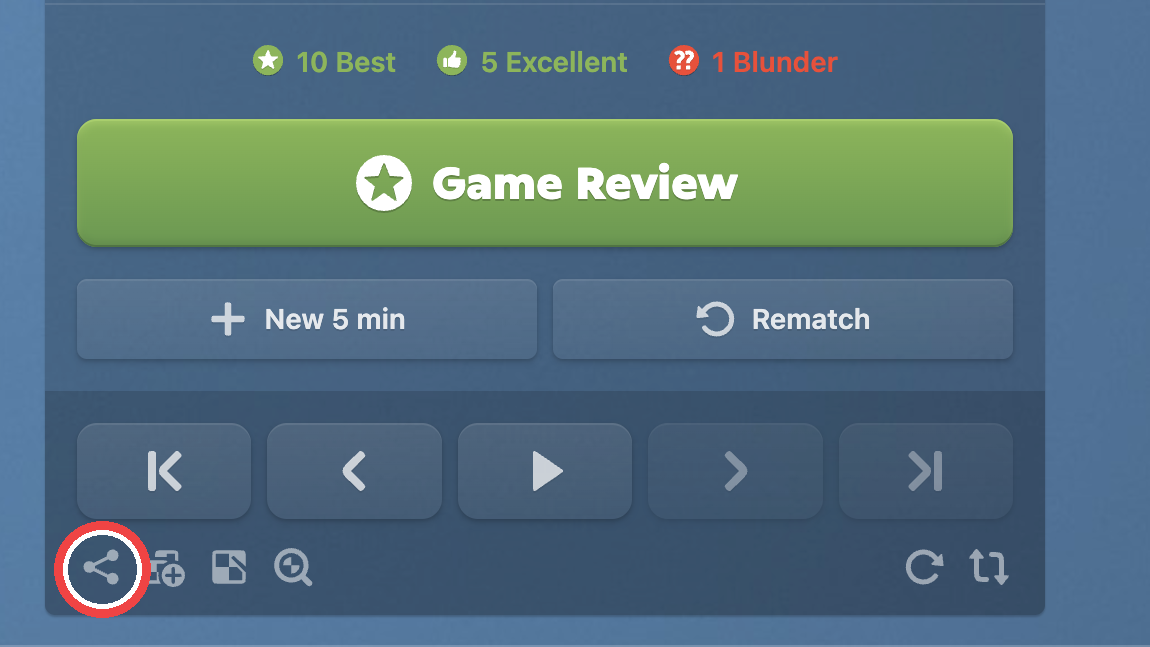
Find the finished game on Chess.com, Lichess, or wherever you played. Open Share or the three-dot menu and copy the PGN.
You are looking for the PGN text from the finished game, not a screenshot or a link.
Upload it here
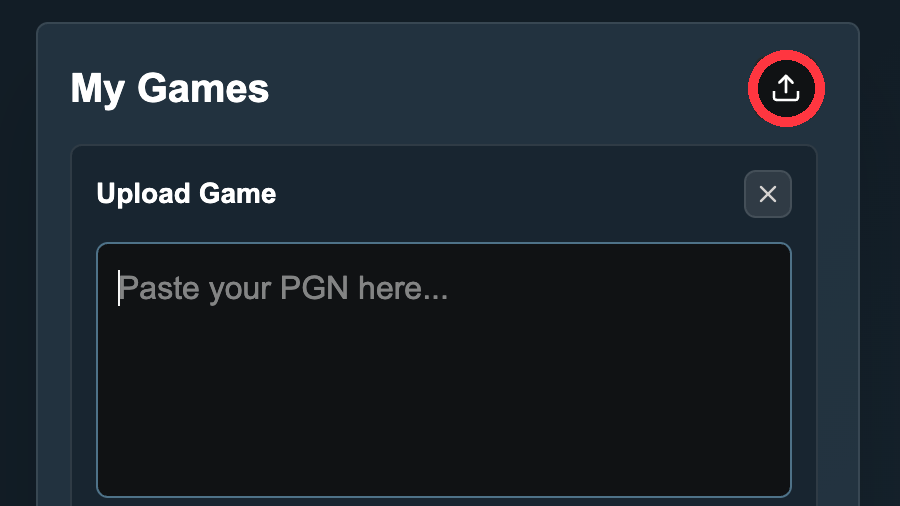
Go to My Games, click the upload button, paste the PGN, and add it to your saved games.
Once it is added, the game stays in your list so you can open the review again later.
Understand your game
Review every move with ratings, badges, eval swings, captured pieces, and stats that show where the game turned.
The board, review panel, and game summary stay synced so each moment is easier to read.